Aerong
✦ Sans Serif · 1 style 1 Files Free License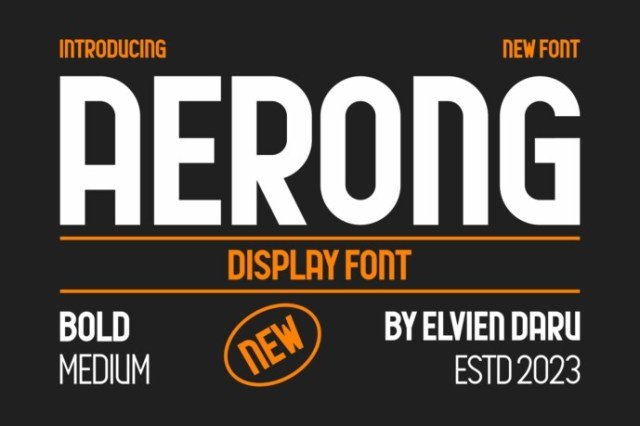
About This Font
Elevate Your Brand with Airy Elegance Aerong is a sophisticated sans-serif font that exudes airy elegance and refined charm. Its sleek lines, gentle curves, and subtle nuances evoke a sense of modern sophistication, making it perfect for creatives seeking to elevate their branding and design endeavors. With its delicate yet bold appearance, Aerong effortlessly adapts to various contexts, from subtle text arrangements to striking headlines. Aerong's versatility allows it to thrive across multiple design applications, from business cards and magazines to posters and large-scale artwork. Its clean lines and balanced proportions lend themselves beautifully to creative use cases, such as crafting unique logos, designing captivating headers, or adding a touch of sophistication to t-shirts and apparel. Whether you're working on a personal project or a commercial campaign, Aerong's airy elegance is sure to inspire your creativity and elevate your design to new heights.
Aerong is provided in OTF format (1 style), designed by elvien daru, with 101 glyphs, 160 mapped characters, 56 accented characters. Language coverage includes English, Portuguese, Italian, Dutch, Swedish, Finnish. OpenType layout features: Kerning.