Bettos
✦ Script · 1 style 1 Files Free License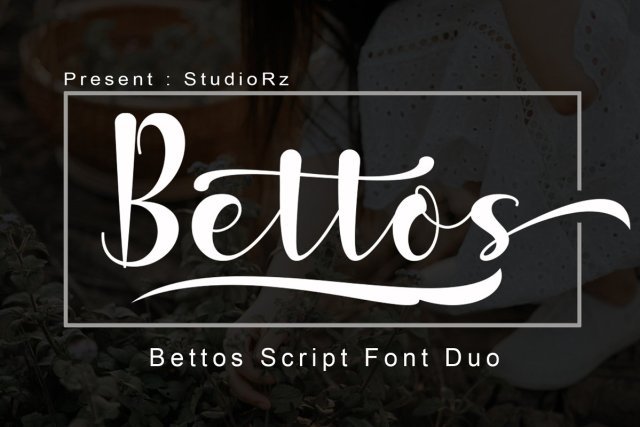
About This Font
Bettos is a beautiful duo font that effortlessly combines the sophistication of classic calligraphy with the playfulness of modern script. With its delicate lines and refined curves, Bettos exudes a sense of elegance and whimsy, making it perfect for creatives who crave a touch of sophistication in their designs. The subtle nuances in the font's design evoke a sense of vintage charm, while its adaptability ensures it remains fresh and relevant in today's design landscape. Bettos lends itself to a wide range of creative applications, from luxurious wedding invitations and bespoke logos to artistic T-shirts and one-of-a-kind letterheads. Its versatility allows you to experiment with bold, statement-making designs or subtle, understated elegance. Whether you're a seasoned designer or just starting out, Bettos is sure to inspire your creativity and help you bring your unique vision to life.
Bettos is provided in OTF format (1 style), designed by StudioRazi (2019), with 425 glyphs, 424 mapped characters, 71 accented characters. Language coverage includes English, Spanish, French, Portuguese, Italian, Dutch, Swedish, Finnish, Danish, Norwegian, Estonian. OpenType layout features: Ligatures, Stylistic sets.