Beyonce Beauty
✦ Script · 1 style 1 Files Free License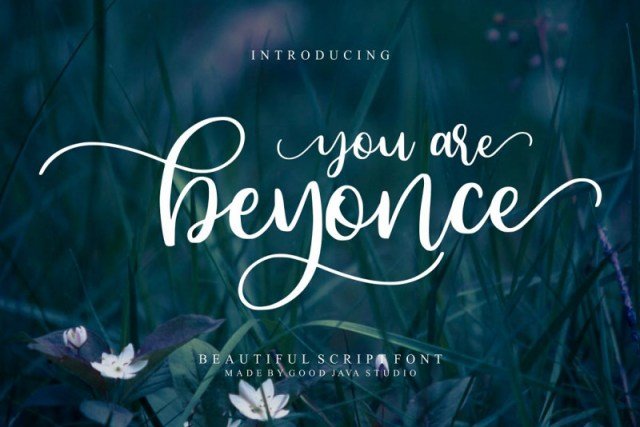
About This Font
Beyonce Beauty is a sophisticated script font that embodies the essence of glamour and refinement. Its elegant strokes, fluid connections, and subtle flair evoke the luxury and sophistication of a bygone era, perfect for making a lasting impression. With its soft, feminine curves and refined details, this font exudes a sense of poise and elegance, making it ideal for special occasions and high-end branding. In the right hands, Beyonce Beauty can add a touch of sophistication to any design project. Use it to create stunning invitations, wedding stationery, and luxury packaging that leaves a lasting impression on your clients. It's also perfect for high-end branding, advertising campaigns, and editorial design that require a sense of refinement and class. Whether you're looking to create a sense of opulence or simply add a touch of elegance to your design, Beyonce Beauty is the perfect choice.
Beyonce Beauty is provided in OTF format (1 style), designed by Good Java Studio (2019), with 213 glyphs, 212 mapped characters, 74 accented characters. Language coverage includes English, Spanish, French, German, Portuguese, Italian, Dutch, Swedish, Finnish, Danish, Norwegian, Estonian. OpenType layout features: Ligatures, Kerning.
Perfect for: Wedding Fonts