Bhatara
✦ Script · 1 style 1 Files Free License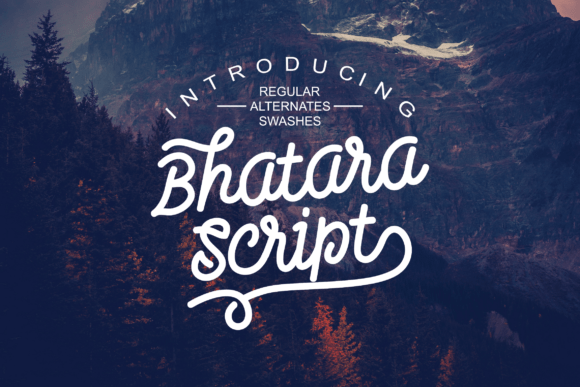
About This Font
Imagine a font that whispers tales of a bygone era, its soft script lines dancing across the page like delicate brushstrokes on a worn canvas. Bhatara is a lovingly crafted font that pays homage to traditional sign paintings, infusing modern designs with a warm, vintage charm. This enchanting script is perfect for adding a touch of nostalgia to your next project. Let its gentle, hand-painted feel transport you to a world of classic elegance and sophistication. From rustic labels to whimsical t-shirt designs, Bhatara's versatility knows no bounds. Its soothing personality makes it an ideal choice for those seeking to evoke a sense of nostalgia and wonder. Bhatara's unique character shines through in its use on traditional packaging, lettering for signs, and even editorial design. Its versatility also lends itself to a wide range of applications, from branding and advertising to greeting cards and invitations.
Bhatara is provided in OTF format (1 style), designed by Yusuf Hidayat, with 140 glyphs, 192 mapped characters, 58 accented characters. Language coverage includes English, Spanish, German, Portuguese, Italian, Dutch, Swedish, Finnish. OpenType layout features: Ligatures, Kerning.