Bionic Web
✦ Script · 1 style 1 Files Free License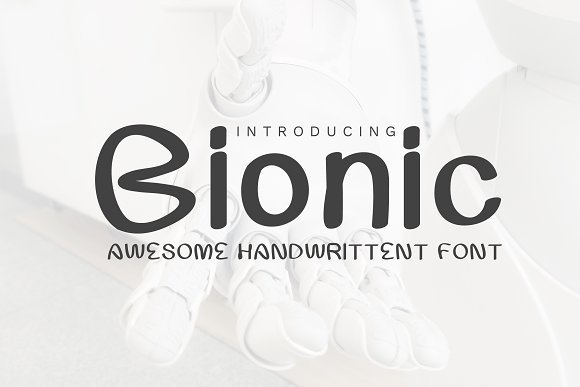
About This Font
Bionic Web is a daring display font that embodies the fusion of cutting-edge technology and bold creativity. Its sleek, modern design exudes confidence and a sense of liberation, making it the perfect choice for those who refuse to blend in. With its energetic lines and angular shapes, Bionic Web injects a much-needed dose of excitement into any design. From edgy headlines to futuristic interfaces, Bionic Web offers endless possibilities for creative expression. Use it to create eye-catching graphics, striking titles, or even entire branding systems that scream "innovation." Whether you're designing for a high-tech startup or a cutting-edge fashion brand, this font will help you stand out in a crowded digital landscape.
Bionic Web is a Script typeface distributed in TTF format (1 style), created by Dodi Hidayatullah, version 1.004, classified as Regular (400), containing 95 total glyphs, 131 mapped Unicode characters, 39 accented diacritics, 11 punctuation marks. Character coverage includes uppercase A–Z, lowercase a–z, numerals 0–9.
Supported Languages (3): English, Italian, Finnish.
Install the TTF file for desktop apps (Photoshop, Illustrator, Word, Canva Pro, Cricut Design Space) or convert Bionic Web to WOFF, TTF, SVG & @font-face CSS for web projects.