Boink FontRegular
✦ Blackletter · 1 style 1 Files Free License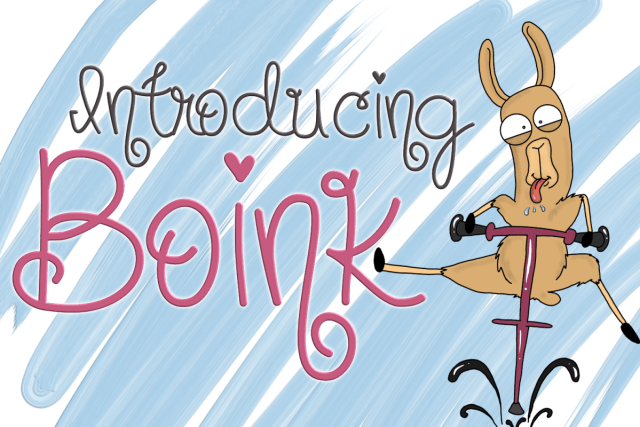
About This Font
Boink FontRegular is a spirited, hand‑crafted slab serif that feels like a friendly neon sign from the 1980s. Its bold, chunky strokes and slightly quirky serifs give it a nostalgic yet fresh vibe, making it perfect for designs that need a touch of personality without sacrificing legibility. The subtle contrast between thick stems and thin terminals adds depth, while the rounded corners keep the look approachable and warm. Use Boink to inject fun into logos, posters, and web headers, or pair it with a clean sans-serif for a balanced, vintage‑modern mix. Its high x‑height and generous spacing make it ideal for signage, packaging, and editorial spreads that require instant readability. The font’s distinctive “~” replacement with a lowercase “r” adds a playful twist that works well in branding, event invitations, and social media graphics.
Boink FontRegular is a Blackletter typeface distributed in TTF format (1 style), version 001.000, classified as Medium (500), containing 81 total glyphs, 78 mapped Unicode characters, 9 punctuation marks. Character coverage includes uppercase A–Z, lowercase a–z, numerals 0–9. Built-in OpenType layout features: Kerning.
Supported Languages (1): English.
Install the TTF file for desktop apps (Photoshop, Illustrator, Word, Canva Pro, Cricut Design Space) or convert Boink FontRegular to WOFF, TTF, SVG & @font-face CSS for web projects.