Crying
✦ Script · 1 style 1 Files Free License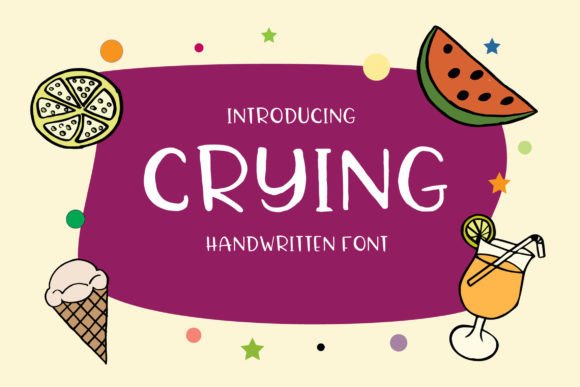
About This Font
Add a Touch of Emotional Depth to Your Designs Crying is a heartfelt, handwritten font that exudes warmth and personality. Its unique, handwritten style is characterized by gentle flourishes and subtle imperfections, evoking the feeling of a personal, handwritten note. This font's emotional depth and organic charm make it an ideal choice for projects that require a sense of intimacy and vulnerability. Whether you're creating a heartfelt greeting card, a poignant poem, or a emotional story, Crying's expressive style will help you convey your message with sensitivity and authenticity. This versatile font also lends itself beautifully to branding, packaging, and advertising campaigns that aim to connect with their audience on a deeper level.
Crying is a Script typeface distributed in OTF format (1 style), created by Kadek Suhardi (Alit Design) in 2020, version 1.000, classified as Regular (400), containing 98 total glyphs, 154 mapped Unicode characters, 56 accented diacritics, 17 punctuation marks. Character coverage includes lowercase a–z, numerals 0–9.
Install the OTF file for desktop apps (Photoshop, Illustrator, Word, Canva Pro, Cricut Design Space) or convert Crying to WOFF, TTF, SVG & @font-face CSS for web projects.