Cyber Zen
✦ Sans Serif · 1 style 1 Files Free License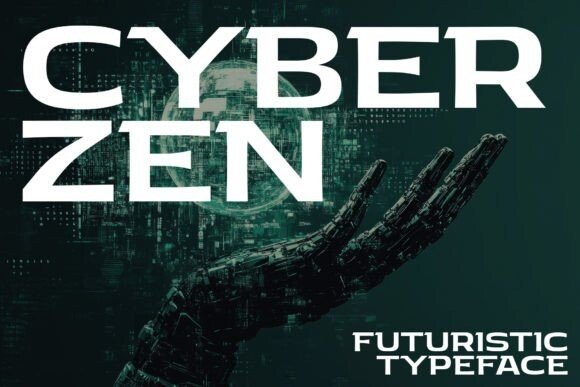
About This Font
In Cyber Zen, sleek lines and balanced proportions entwine to create a typeface that exudes the perfect blend of modernity and serenity. This forward-thinking font embodies a futuristic essence, where cutting-edge technology meets timeless elegance. Its minimalist design language resonates with the avant-garde and the visionary, inviting users to reimagine the boundaries of creative expression. With Cyber Zen, the possibilities are endless, from crafting immersive sci-fi experiences to elevating modern digital interfaces. Whether you're designing for a cutting-edge tech startup or a futuristic art installation, this striking typeface will transport your audience to a world of innovation and discovery. Its understated yet bold aesthetic lends itself to a wide range of creative applications, from branding and packaging to advertising and editorial design.
Cyber Zen is provided in OTF format (1 style), designed by Igor Ovsyannykov, with 197 glyphs, 196 mapped characters, 67 accented characters. Language coverage includes English, Spanish, French, German, Portuguese, Italian, Dutch, Swedish, Finnish, Danish, Norwegian, Estonian. OpenType layout features: Kerning.