Dana
✦ Sans Serif · 1 style 1 Files Free License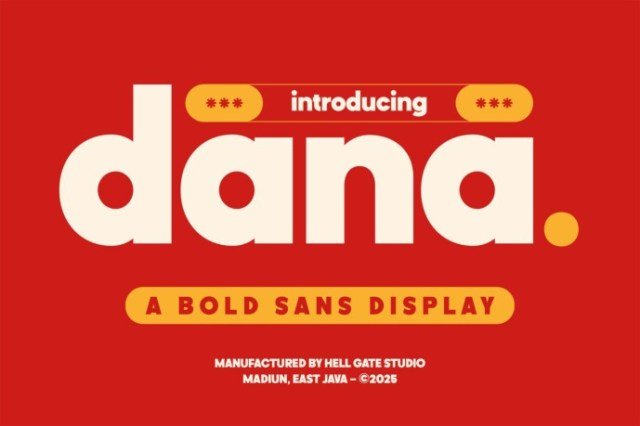
About This Font
Dana is a sophisticated and striking font that effortlessly blends refined elegance with a bold, confident attitude. Its sleek lines, clean shapes, and carefully balanced proportions create a sense of luxury and sophistication, perfect for making a statement. With Dana, you can convey a sense of high-end style and refinement, while still conveying a sense of approachability and warmth. Its versatility makes it suitable for a wide range of creative projects, from high-end advertising and branding to editorial and fashion design. Dana's bold personality shines through in its creative use cases, making it an ideal choice for designers looking to add a touch of glamour to their projects. Use it to create eye-catching headlines, bold statements, or attention-grabbing titles. You can also pair Dana with more delicate fonts to create a beautiful contrast and add depth to your designs. Furthermore, Dana's adaptability makes it perfect for use in various mediums, from digital displays to print materials.
Dana is provided in OTF format (1 style), with 192 glyphs, 192 mapped characters, 64 accented characters. Language coverage includes English, French, German, Dutch, Swedish, Finnish, Danish, Norwegian. OpenType layout features: Kerning.