Farthest Cry
✦ Sans Serif · 1 style 1 Files Free License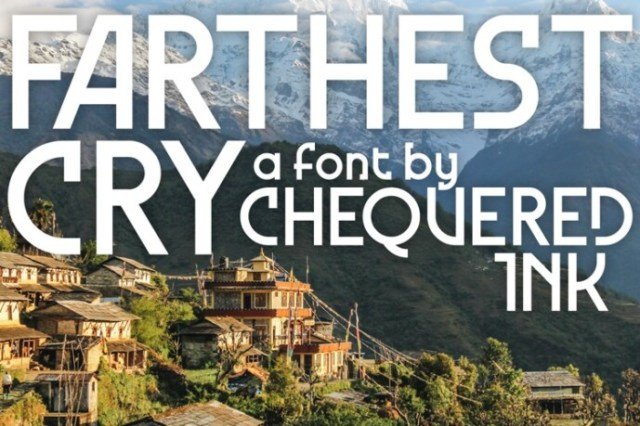
About This Font
Farthest Cry is a captivating, sans-serif font family that embodies the essence of adventure and discovery. Its unique blend of geometric and organic elements creates a sense of contrast, reflecting the tension between the familiar and the unknown. The font's bold, expressive lines and subtle rounded edges evoke the feeling of traversing uncharted territories, where the horizon stretches far and wide. With its versatile character, Farthest Cry is the perfect companion for any creative journey. From the rugged grandeur of outdoor advertisements to the sleek sophistication of travel brochures, Farthest Cry is an ideal choice for typography-driven designs that transport viewers to new and exciting realms. Its adaptability makes it suitable for a wide range of projects, from eye-catching posters and logos to elegant magazine prints and apparel designs. With Farthest Cry, the possibilities are endless, and the only limit is the horizon.
Farthest Cry is provided in TTF format (1 style), designed by Allison J James (2024), with 220 glyphs, 224 mapped characters, 65 accented characters. Language coverage includes English, Spanish, German, Portuguese, Italian, Dutch, Swedish, Finnish, Danish, Norwegian, Icelandic. OpenType layout features: Kerning.