Kestila Sans
✦ Sans Serif · 1 style 1 Files Free License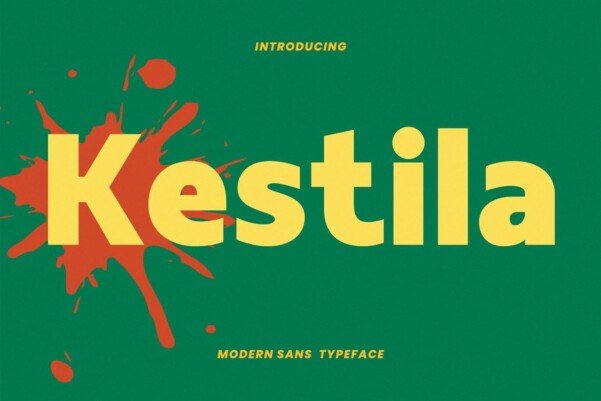
About This Font
Kestila Sans is a modern sans-serif font that exudes elegance and sophistication. Its clean lines, refined curves, and balanced proportions make it perfectly suited for a wide range of creative applications, from sleek advertising campaigns to polished editorial content. This font's understated charm evokes a sense of refinement and poise, while its versatility ensures it will adapt seamlessly to your unique design vision. Whether you're crafting a high-end fashion brand's visual identity or designing a cutting-edge tech startup's website, Kestila Sans is an ideal choice for making a lasting impression. Its sleek, refined aesthetic lends itself beautifully to minimalist designs, while its subtle nuances can add depth and sophistication to more complex compositions. With Kestila Sans, the possibilities are endless, and the results are always stunning.
Kestila Sans is provided in OTF format (1 style), designed by Dwi Sulistyono (2023), with 181 glyphs, 181 mapped characters, 65 accented characters. Language coverage includes English, Spanish, German, Portuguese, Italian, Dutch, Swedish, Finnish, Danish, Norwegian, Icelandic. OpenType layout features: Kerning.
Perfect for: Luxury & Elegant Fonts