Luxe Uno
✦ Sans Serif · 1 style 1 Files Free License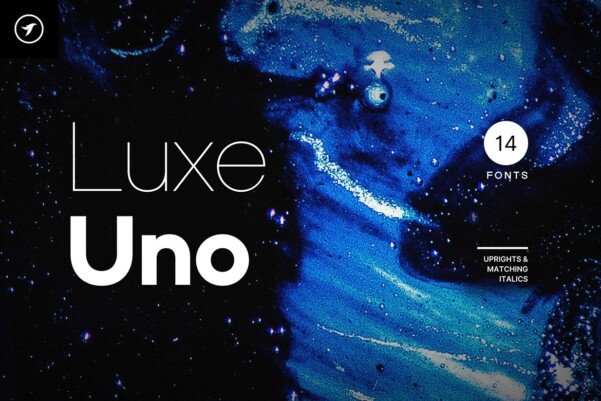
About This Font
Luxe Uno is a modern sans-serif typeface that embodies the essence of refined sophistication, with a clean, balanced design that exudes durability and poise. This elegant font is perfect for making a lasting impression in various design applications, from high-end logos to corporate identities and marketing materials. Luxe Uno is an ideal choice for designers seeking to create stunning visual identities that convey luxury, style, and refinement. Its sleek lines and subtle nuances make it an excellent fit for branding, logo design, marketing graphics, banners, posters, and signage. With a touch of added letter spacing, Luxe Uno can also be used to create striking minimal headlines and logotypes that exude high-end sophistication.
Luxe Uno is provided in OTF format (1 style), designed by Designova® (2024), with 392 glyphs, 387 mapped characters, 197 accented characters. Language coverage includes English, Spanish, French, German, Portuguese, Italian, Dutch, Swedish, Finnish, Danish, Norwegian, Icelandic, Polish, Czech, Slovak, Hungarian, Romanian, Turkish, Croatian, Lithuanian, Latvian, Estonian. OpenType layout features: Kerning.