Porto
✦ Sans Serif · 1 style 1 Files Free License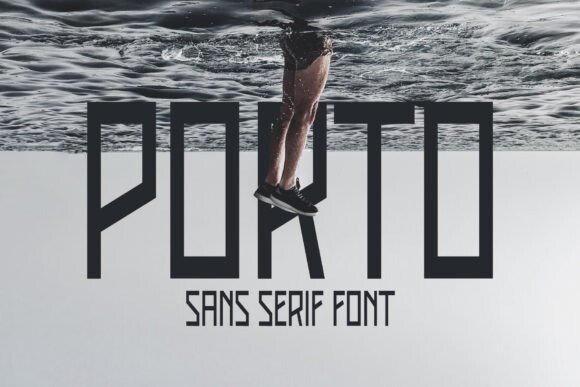
About This Font
An Edgy, Futuristic Sans Serif Typeface Porto is a bold and avant-garde sans serif font that embodies the spirit of innovation and modernity. Its sleek lines, geometric shapes, and angular forms evoke a sense of cutting-edge design, perfect for making a statement in today's fast-paced digital landscape. With its urban attitude and energetic vibe, Porto is an ideal choice for designers seeking to inject a dose of futurism into their work. Its clean and minimalist aesthetic also makes it a versatile option for a wide range of applications. From futuristic sci-fi novels to edgy fashion magazines, Porto is the perfect font to unleash your creativity and push the boundaries of visual storytelling. Use it to create eye-catching headlines, striking social media graphics, or bold typography for your logo designs. Whether you're a seasoned designer or just starting out, Porto's flexibility and adaptability make it an exciting tool to explore new design possibilities and styles.
Porto is provided in OTF format (1 style), with 84 glyphs, 143 mapped characters, 56 accented characters. Language coverage includes English, Portuguese, Italian, Dutch, Swedish, Finnish. OpenType layout features: Kerning.