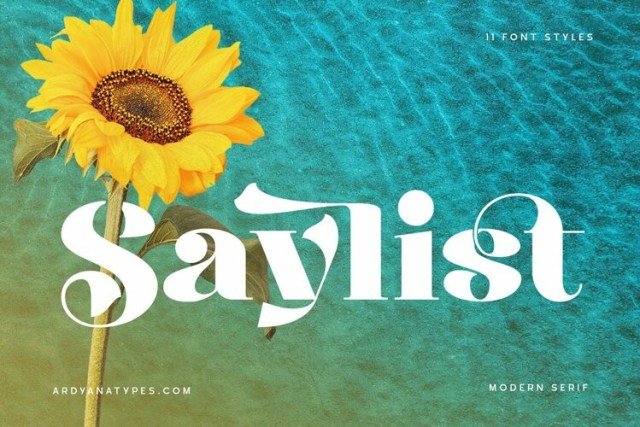
✦ SerifClassic & elegant — ideal for editorial, books, and branding
About This Font
Luxurious Script with Elegant Whispers Saylist is a sophisticated serif font that exudes refinement and poise, perfect for adding a touch of high-end elegance to your designs. Its unique shape and refined curves evoke a sense of creativity and luxury, making it an ideal choice for those seeking to make a statement. With its clean lines, sharp edges, and harmonious letterforms, Saylist is both visually stunning and easy to read. Whether you're aiming to create a sense of opulence or simply want to add some sophistication to your design, Saylist is the perfect companion to help you achieve your goals. From high-end fashion branding to vintage-inspired invitations, Saylist's versatility allows it to shine across a wide range of design themes and applications, including headings, body text, and print materials. Its elegant style lends itself perfectly to pairing with other fonts to create a unique and cohesive design, making it a valuable addition to any designer's toolkit.
Type your words, set them in any of our 80,000+ fonts,
and export a clean SVG — or a transparent PNG, or a finished mockup on a
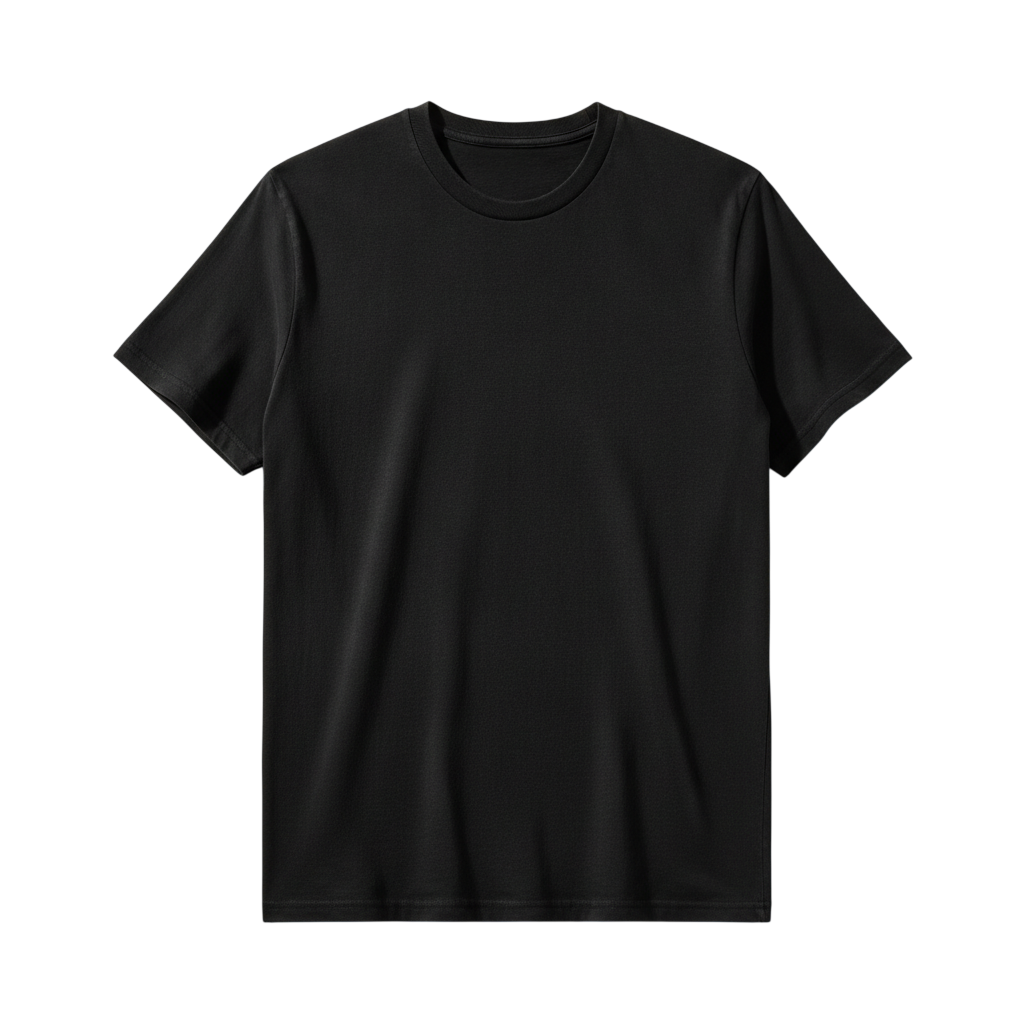
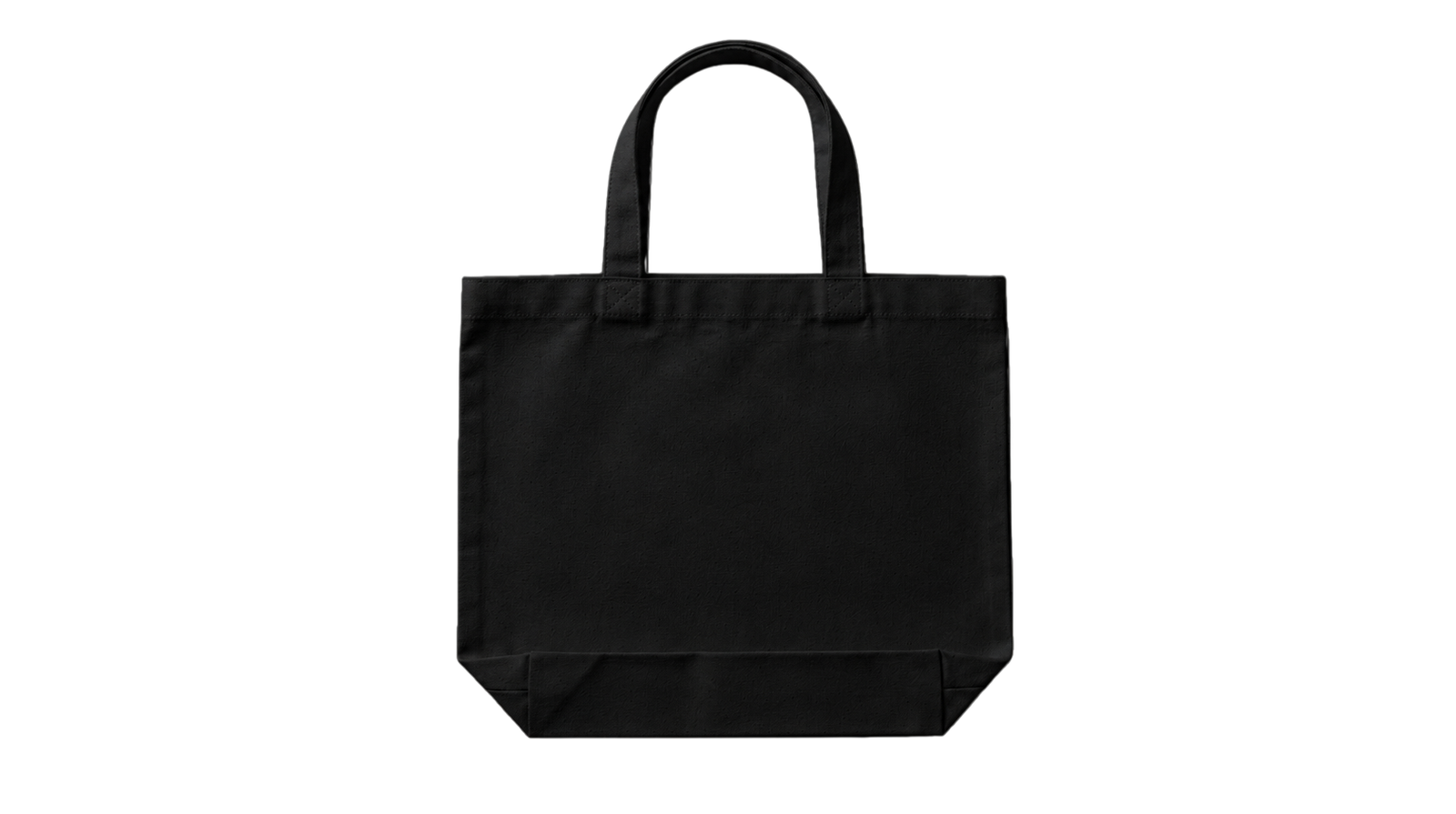
t-shirt, tote or mug. No sign-up, no watermark.
How it works
Three steps, entirely in your browser.
STEP 1
Type your text
Your own words, live — names, quotes, a shop slogan.
STEP 2
Pick a font and a surface
Preview it flat, or dropped onto a t-shirt, tote, mug, tumbler or journal.
STEP 3
Export
SVG for cutting machines, transparent PNG for print, or the full mockup image.
What you can export
Every format comes out at full quality, free.
SVGTrue vector outlines — the format Cricut Design Space, Silhouette Studio and Illustrator expect. Scales to any size without softening.
PNGTransparent background at high resolution, ready for sublimation, DTF or any print-on-demand upload.
MockupYour design rendered on a real product photo — useful for a listing image or showing a client before you cut anything.
What people make with it
Cricut & Silhouette cut filesT-shirt and apparel graphicsSublimation & DTF transfersEtsy listing mockupsTumbler and mug wrapsWedding signageLogo and wordmark drafts
Questions
Is it really free?
Yes. No account, no watermark and no export limit. The tool runs in your browser, so your text never leaves your device.
Will the SVG work in Cricut Design Space?
Yes — the export is a true vector path, not an image traced into one, so it uploads and cuts cleanly. The same file opens in Silhouette Studio, Illustrator, Inkscape and Figma.
Can I sell what I make?
That depends on the font, not on the tool — each font page states its licence. Many are free for personal use with a commercial licence available from the original designer, and the licence line links straight to the source.
Do I need to install the font first?
No. The font loads in the page, so you can set your text and export without installing anything. You can still download the font file separately if you want it on your system.