Thin Monogram
✦ Script · 1 style 1 Files Free License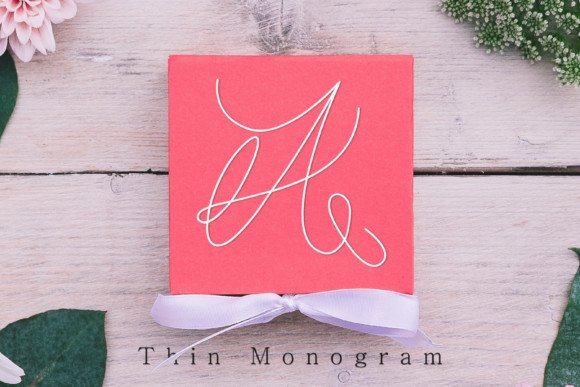
About This Font
Ethereal Script of Whimsy and Delicacy Thin Monogram is a charming, elegant handwritten font that weaves a tale of whimsy and delicate charm. Its intricate connections and sweet swashes evoke a sense of vintage romance, perfect for adding a touch of sophistication to your designs. With its refined lines and subtle flair, Thin Monogram exudes an air of refinement that's sure to captivate audiences. Whether you're crafting a bespoke wedding invitation, creating a custom stationery set, or designing a logo for a high-end boutique, Thin Monogram's versatility makes it an ideal choice. Its dainty style pairs beautifully with watercolor illustrations, florals, and other whimsical design elements, inviting you to explore endless creative possibilities.
Thin Monogram is a Script typeface distributed in OTF format (1 style), created by Rusd std in 2020, version 1.00, classified as Regular (400), containing 56 total glyphs, 56 mapped Unicode characters. Character coverage includes uppercase A–Z, lowercase a–z. Built-in OpenType layout features: Kerning.
Supported Languages (1): English.
Install the OTF file for desktop apps (Photoshop, Illustrator, Word, Canva Pro, Cricut Design Space) or convert Thin Monogram to WOFF, TTF, SVG & @font-face CSS for web projects.