Voyager
✦ Sans Serif · 1 style 1 Files Free License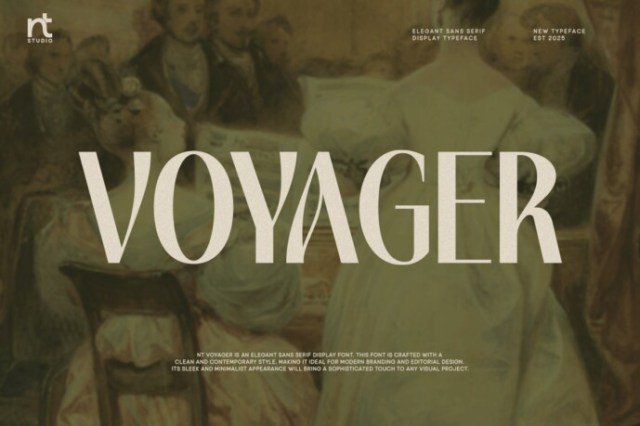
About This Font
Voyager is a bold and refined font that embodies the spirit of exploration and innovation. Its sleek, geometric forms evoke the futuristic worlds of science fiction, while its clean lines and precision-crafted details speak to a sense of cutting-edge style. With its confident presence, Voyager is perfect for creatives who dare to dream big and push the boundaries of design. Whether you're crafting a futuristic poster, designing a product label, or building a brand identity, Voyager's versatility and sophistication make it an ideal choice. From sci-fi movie titles to tech startup logos, its unique blend of futuristic flair and classic elegance will transport your audience to new and exciting worlds.
Voyager is provided in OTF format (1 style), designed by Neo Type (Neo Type Studio) (2025), with 255 glyphs, 215 mapped characters, 71 accented characters. Language coverage includes English, Spanish, French, Portuguese, Italian, Dutch, Swedish, Finnish, Danish, Norwegian, Estonian. OpenType layout features: Ligatures, Discretionary ligatures, Stylistic alternates, Stylistic sets, Kerning.