Blockline Display
✦ Sans Serif · 1 style 1 Files Free License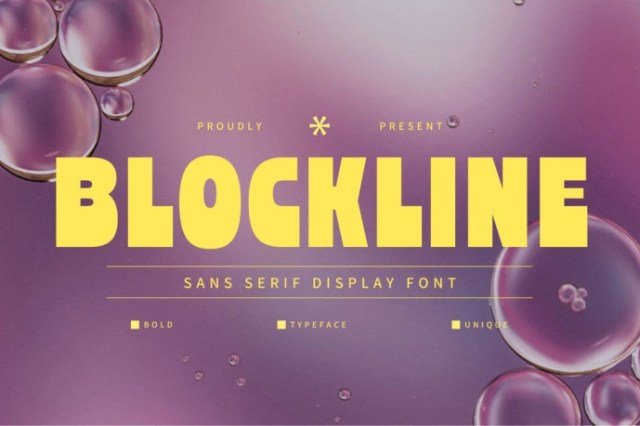
About This Font
Blockline Display Font is a striking sans-serif display font that exudes confidence and elegance. Its strong geometric style and bold lines give it a dynamic presence, perfect for making a statement in modern branding, posters, and social media visuals. With a clean and contemporary aesthetic, Blockline Display Font is ideal for designers seeking a typeface that commands attention and conveys a sense of sophistication. From logos to headlines, Blockline Display Font is versatile enough to elevate any creative project. Use it to add a touch of modernity to your designs, or to create a bold and eye-catching visual identity that leaves a lasting impression. Its clean lines and geometric shape make it a perfect fit for a wide range of design projects, from social media graphics to outdoor advertising.
Blockline Display is provided in OTF format (1 style), designed by Panca Hasan (Slidehack) (2025), with 212 glyphs, 211 mapped characters, 74 accented characters. Language coverage includes English, Spanish, French, German, Portuguese, Italian, Dutch, Swedish, Finnish, Danish, Norwegian, Icelandic, Estonian. OpenType layout features: Kerning.