Blog
✦ Sans Serif · 1 style 1 Files Free License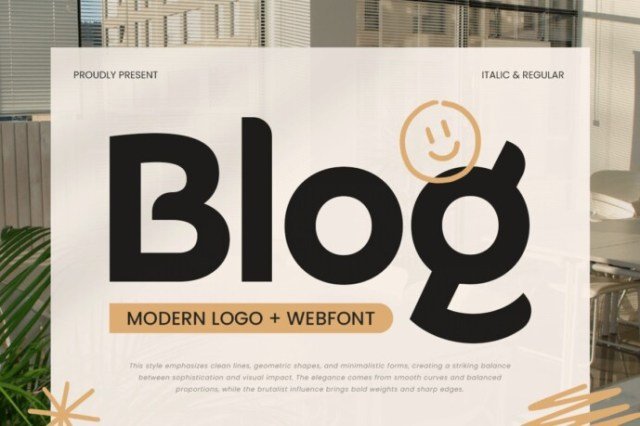
About This Font
Blog is a clean, modern sans serif font that embodies a sense of professionalism and sophistication. Its minimalist design exudes a calm, yet vibrant aesthetic that makes it perfect for a wide range of digital applications. With its sleek lines and balanced proportions, Blog evokes a sense of elegance and refinement, while its highly legible design ensures that your message is conveyed with clarity and precision. From website headers and startup logos to corporate identities and social media graphics, Blog is an incredibly versatile font that can elevate your digital branding to new heights. Its contemporary look and feel make it an ideal choice for tech brands, lifestyle blogs, and modern businesses looking to create a polished and engaging online presence. Whether you're creating a website, designing a mobile app, or crafting a digital advertisement, Blog is the perfect font to help you achieve your design goals.
Blog is provided in OTF format (1 style), designed by Zamroni Hamzah (Fontlab) (2025), with 234 glyphs, 233 mapped characters, 66 accented characters. Language coverage includes English, Spanish, French, German, Portuguese, Italian, Dutch, Swedish, Finnish, Danish, Norwegian. OpenType layout features: Stylistic alternates, Stylistic sets, Kerning.