Southera
✦ Script · 1 style 1 Files Free License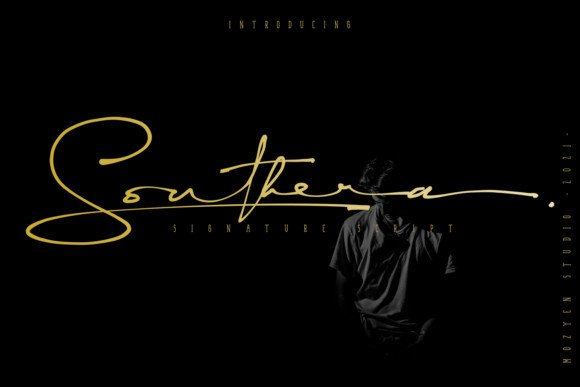
About This Font
Elegant Whispers in Delicate Script Southera is a refined and charming script font that exudes a sense of timeless sophistication. Its slender lines and fluid curves evoke the gentle lapping of soft waves against a serene shoreline, creating an atmosphere of peaceful contemplation. This delicate script whispers its stories with subtlety and nuance, perfect for designers seeking to convey a sense of refinement and poise. With Southera, the possibilities are endless. Use it to add a touch of elegance to wedding invitations, luxury brand materials, or high-end fashion designs. Its refined style also lends itself beautifully to creating bespoke typography for special occasions, such as anniversary celebrations or milestone events. Whether you're aiming to convey opulence or simplicity, Southera's versatility makes it an ideal choice for designers seeking to create memorable and impactful designs.
Southera is provided in OTF format (1 style), designed by Designed by Mozyen Studio (2021), with 339 glyphs, 337 mapped characters, 60 accented characters. Language coverage includes English, Portuguese, Italian, Dutch, Swedish, Finnish, Danish, Norwegian. OpenType layout features: Ligatures.
Perfect for: Luxury & Elegant Fonts