Robexs
✦ Sans Serif · 1 style 1 Files Free License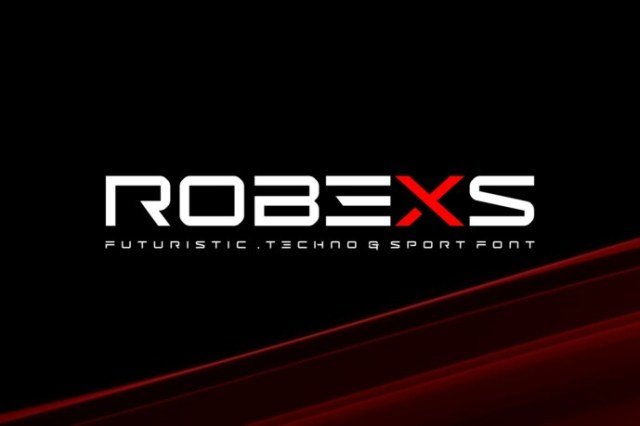
About This Font
Robexs is a robust and energetic display font, exuding confidence and attitude. Its bold lines and geometric shapes evoke a sense of modernity and sophistication, making it perfect for projects where you want to make a statement. The font's robust personality translates to a wide range of applications, from high-energy branding and logos to bold typography in print and digital media. One of the most exciting aspects of Robexs is its versatility. It's equally at home on a dynamic logo, a bold sports jersey, or a stylized digital interface. Its unique character can also be used to convey a sense of playfulness and creativity, making it an ideal choice for projects in the gaming, esports, and entertainment industries. Whether you're looking to create a striking brand identity or add some visual oomph to your designs, Robexs is a reliable partner that's sure to help you stand out.
Robexs is provided in OTF format (1 style), designed by Ryomiscie (2024), with 101 glyphs, 160 mapped characters, 56 accented characters. Language coverage includes English, Portuguese, Italian, Dutch, Swedish, Finnish. OpenType layout features: Kerning.
Perfect for: Sports Fonts