Robine 3D
✦ Sans Serif · 1 style 1 Files Free License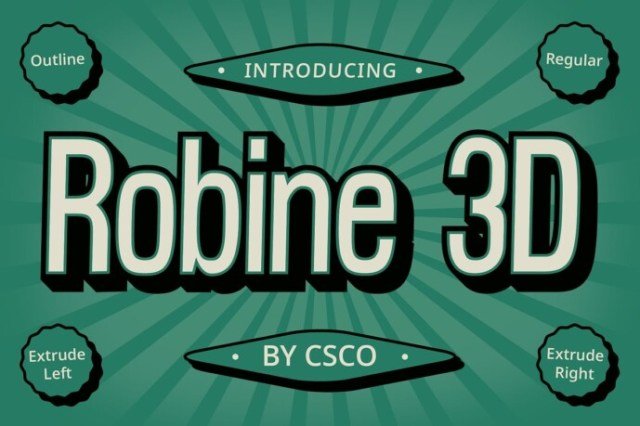
About This Font
Robine 3D embodies the essence of modern design, exuding a sense of sleek futurism and sophistication. This condensed sans serif font is designed to make a statement, with its low contrast and clean lines creating a visually striking impact. The overall mood is one of sleek professionalism, perfect for applications where you want to convey innovation and forward thinking. With its dynamic outline and extrude effects, Robine 3D adds a layer of depth and dimension to your designs. Whether you're creating eye-catching posters, developing a brand identity, or crafting an immersive digital experience, Robine 3D's versatility shines through. Its unique blend of modern design and captivating effects makes it an excellent choice for advertising, editorial design, and beyond. This font's adaptability ensures it will elevate your designs, regardless of the medium or message you're trying to convey.
Robine 3D is provided in OTF format (1 style), designed by Craft Supply Co (2023), with 234 glyphs, 234 mapped characters, 77 accented characters. Language coverage includes English, Spanish, French, German, Portuguese, Italian, Dutch, Swedish, Finnish, Danish, Norwegian, Icelandic, Estonian. OpenType layout features: Kerning.