Robine Rounded
✦ Sans Serif · 1 style 1 Files Free License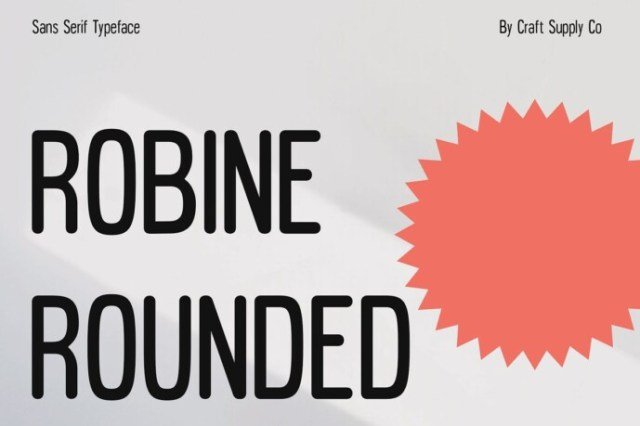
About This Font
Robine Rounded is a warm and inviting sans-serif typeface that wraps readers in a comforting aura. Soft curves, rounded edges, and low-contrast strokes come together to create a font that is both approachable and endearing, exuding a sense of gentle sophistication. Its subtle playfulness and adaptability make it an ideal companion for designers seeking a friendly yet professional typeface. From digital interfaces to print media, Robine Rounded's versatility shines through in its ability to elevate any design project. Its condensed form optimizes space without compromising readability, making it perfect for tight layouts and small screens. Whether you're crafting a brand identity, creating an e-commerce platform, or designing a book cover, Robine Rounded's harmonious blend of softness and clarity will bring warmth and approachability to your work.
Robine Rounded is provided in OTF format (1 style), designed by Craft Supply Co (2023), with 234 glyphs, 234 mapped characters, 77 accented characters. Language coverage includes English, Spanish, French, German, Portuguese, Italian, Dutch, Swedish, Finnish, Danish, Norwegian, Icelandic, Estonian. OpenType layout features: Kerning.