Robine
✦ Sans Serif · 1 style 1 Files Free License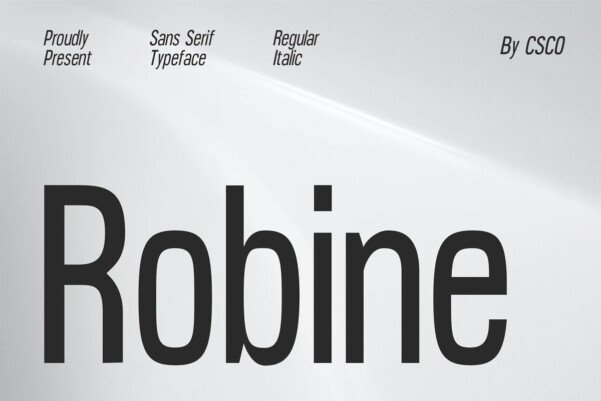
About This Font
Robine is a refined and modern sans serif typeface that embodies the essence of contemporary design. Its high x-height and carefully crafted strokes create a sense of elegance and sophistication, making it perfect for creating striking titles and headings that demand attention. With its clean lines and balanced proportions, Robine exudes a sense of calmness and serenity, while its condensed design ensures that every word counts, without sacrificing readability. From posters to logos, and web graphics to editorial content, Robine's versatility makes it an ideal choice for a wide range of design projects. Its modern aesthetic lends itself beautifully to creative and innovative applications, such as digital magazines, mobile apps, and urban signage. Whether you're looking to make a lasting impression or simply want to elevate your brand's visual identity, Robine is the perfect partner to help you achieve your design goals.
Robine is provided in OTF format (1 style), with 234 glyphs, 234 mapped characters, 77 accented characters. Language coverage includes English, Spanish, French, German, Portuguese, Italian, Dutch, Swedish, Finnish, Danish, Norwegian, Icelandic, Estonian. OpenType layout features: Kerning.